Adapt
For balanced ventilation in new, alright homes

Soon, your home will be able to find its own balance.
With Thermex Adapt, the cooker hood's extraction automatically adjusts to the ventilation system, ensuring a healthier indoor climate and optimal comfort. Controlled directly via the app.
See how Thermex Adapt is set up in practice.
In this video, we show step by step how you can easily connect your cooker hood to the Thermex app and set the maximum airflow to match your ventilation system.
Simply download the app, connect the cooker hood, enter the system's capacity and Adapt takes care of the rest fully automatically.
Løsningen til nye, tætte huse
In modern, airtight homes, a powerful cooker hood can create negative pressure because it extracts more air than the ventilation system can supply. The result may be doors sticking and condensation forming on windows – in short, an imbalance in the home’s air exchange.
Today, all new homes are equipped with a heat recovery ventilation system that supplies fresh outdoor air when the cooker hood removes air. However, if the cooker hood’s extraction is too powerful in relation to the system’s capacity, the problem can still occur.
This is where Thermex Adapt comes into play.

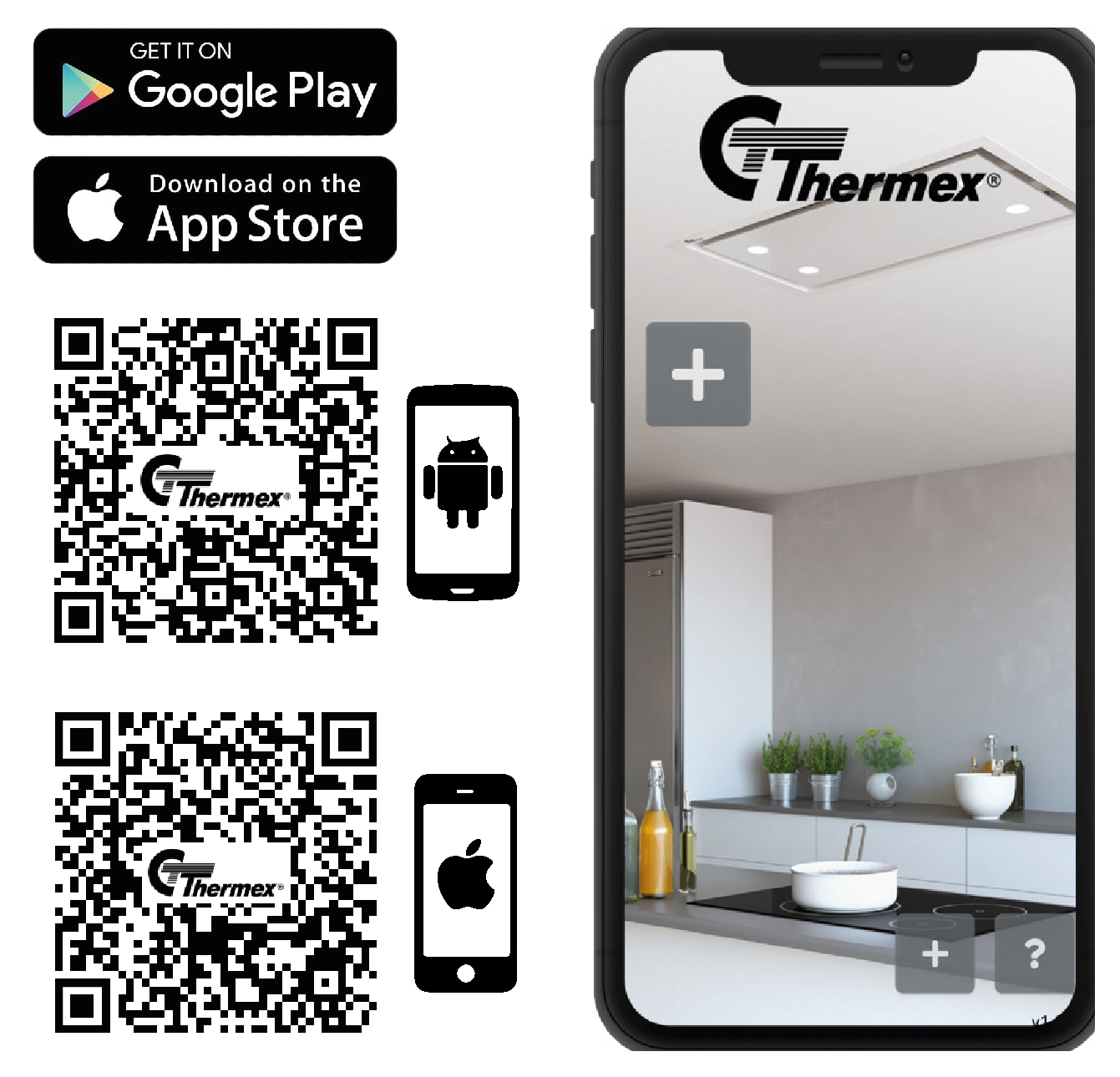
Thermex App
With Thermex Adapt, you can easily and electronically limit the cooker hood’s maximum airflow directly via the Thermex app – for example to 230 m³/h – ensuring it always matches the capacity of your ventilation system. This automatically maintains air balance and helps prevent negative pressure, sticking doors, and poor indoor climate.
If you need maximum extraction for a period of time, the limitation can be disabled at any time directly in the app with a single tap.
How to set up Thermex Adapt in the app:
- Download the Thermex app on your smartphone or tablet.
- Connect your cooker hood to the app.
- Tap the small cooker hood icon on the app’s home screen.
- Go to settings by tapping the gear icon in the corner.
- Enter the capacity of your ventilation system.
- When prompted for a code, enter 1379 and confirm.
From then on, Thermex Adapt automatically ensures that your cooker hood adapts to your home and keeps the air balance stable – completely without any additional installation, cables, or equipment.
See how Thermex Adapt is set up in practice.
In this video, we show step by step how you can easily connect your cooker hood to the Thermex app and set the maximum airflow to match your ventilation system.
Simply download the app, connect the cooker hood, enter the system's capacity and Adapt takes care of the rest fully automatically.

Thermex Adapt requires no additional installations or equipment.
You control everything directly through the free and user-friendly Thermex app.
All you need to do is enter the capacity of your ventilation system –
Adapt then takes care of the rest fully automatically.
The cooker hood adapts to your home, maintains air balance, and provides a more stable, comfortable, and healthier everyday life – all without any extra costs.